
Installation
- Download a
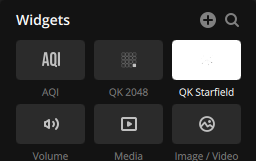
.icuewidgetfile using the Download button below - In iCUE, navigate to the widgets section and click the + button
- Select the downloaded
.icuewidgetfile - The widget will appear in your widget picker
Visualizer Server Setup
The XE Visualizer and Pump Visualizer require a Python companion server that captures system audio and media info. A single server instance serves both widgets.
Requirements: Windows 10/11, Python 3.10+ (check "Add Python to PATH" during install)
- Download and extract NowPlayingServer.zip
- Double-click
StartServer.batto install dependencies and start the server - The server will appear as an icon in your system tray. Right-click to quit.
- Set the Server Port in the widget settings to match (default:
16329)